Boorman
A downloadable game for Windows and macOS
BOORMAN
PLEASE NOTE
Boorman is still in development. This build contains known bugs and unfinished elements. You may encounter glitches, broken interactions or other unexpected issues while playing.
If you encounter a bug, please report it in the comments. Reports of any kind are welcome and help with development.
ABOUT
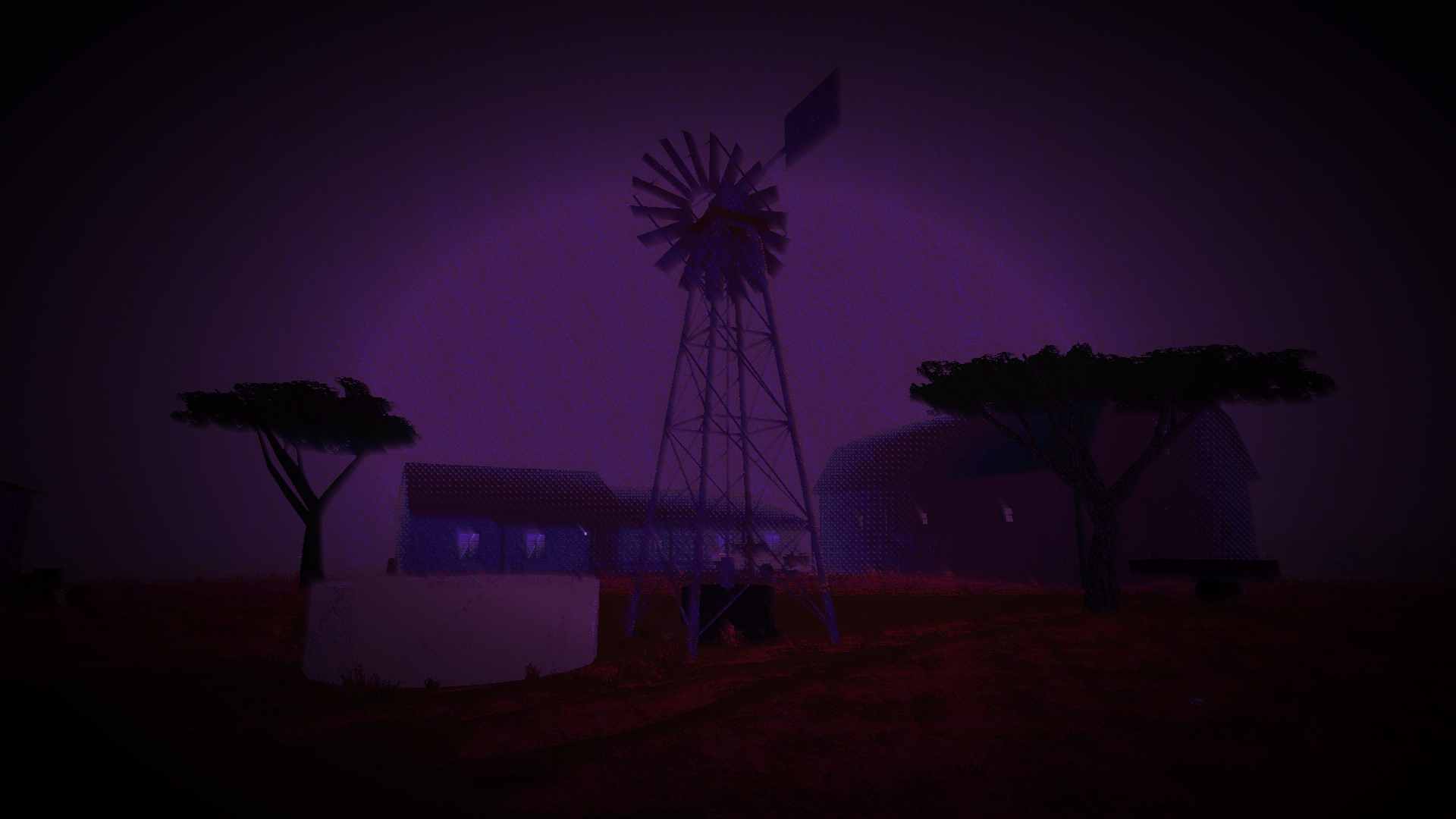
Boorman is a first-person survival horror game set on an isolated farm in 1980s apartheid South Africa.
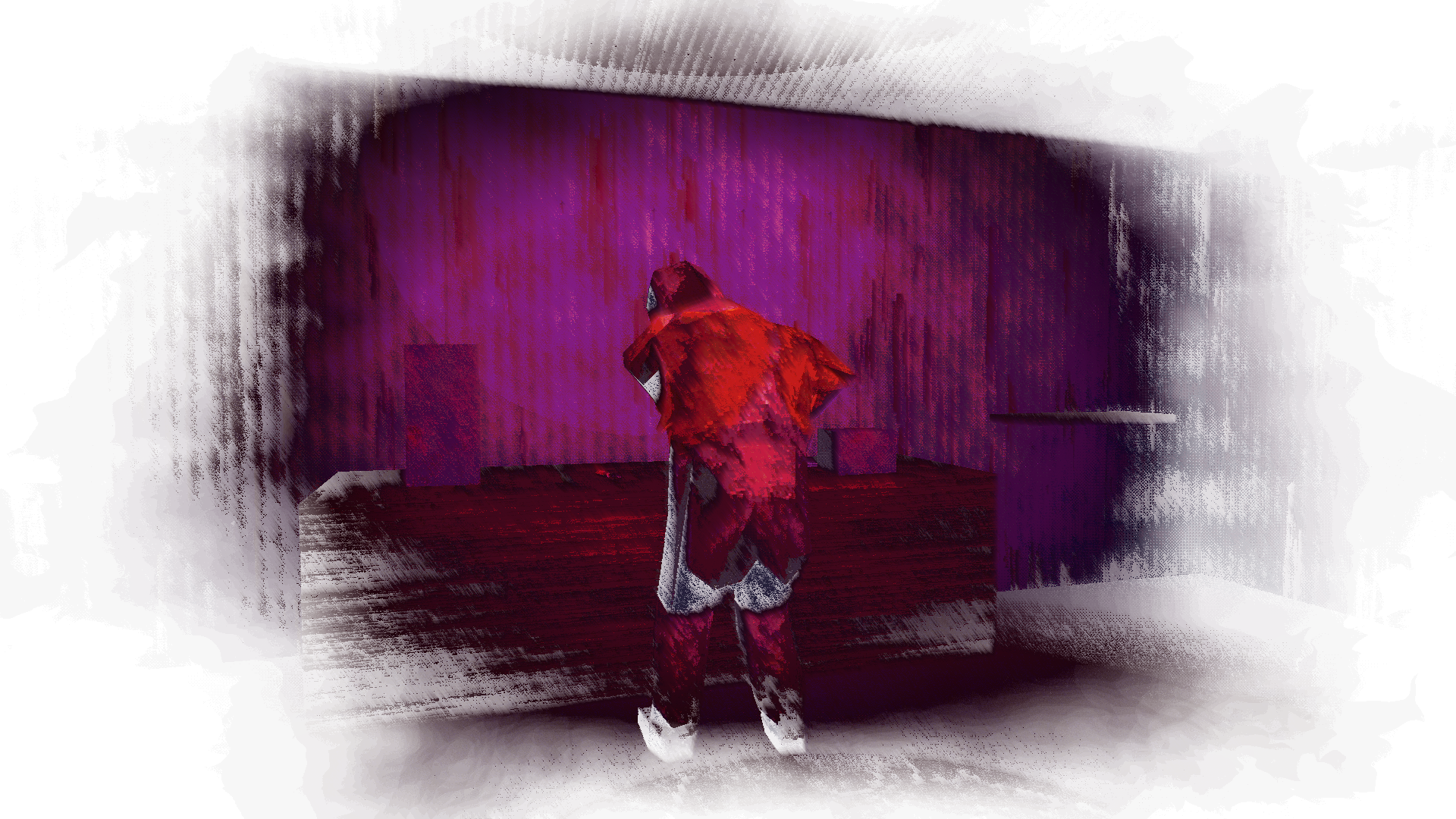
You play as Kabelo, a boy who finds himself and his friend Jason trapped on a farm belonging to a deeply disturbed man. Kabelo must find a way off the property before Boorman has had enough of him.
Explore the farm, search through its buildings, and make use of whatever you can find. Progress is not always clear, and getting out means paying attention to your surroundings.
Boorman isn't simply a man chasing you. He has a life of his own, a farm to maintain, and a particular way of doing things. It's best not to get in his way.
FEATURES
- Explore the Farm. Discover its buildings and surrounding property.
- Survival Horror. Stay out of sight and think carefully about how you approach obstacles.
- His Routine. Boorman goes about his daily life, and your actions can attract his attention.
- Environmental Storytelling. Search for useful items and uncover details about the farm.
- PSX Style. Low-resolution PSX-inspired visuals and an unsettling rural atmosphere.
Developed by DEVIOUS DIGITAL
All rights reserved. Free to play, stream and share unmodified. No code extraction or asset reuse without permission. See LICENSE.txt.
Download
Install instructions
How to Download & Play BOORMAN
- Download the ZIP file for your operating system (Windows or Mac).
- Extract the ZIP file. You should find a Boorman folder and a game launcher inside.
- Keep the launcher and the Boorman folder together in the same location.
- Open the .exe file on Windows, or the Mac launcher on macOS to start the game.
Windows may show a SmartScreen warning because the game isn't code-signed. Click More info → Run anyway to launch the game.